

IntervalsPRO
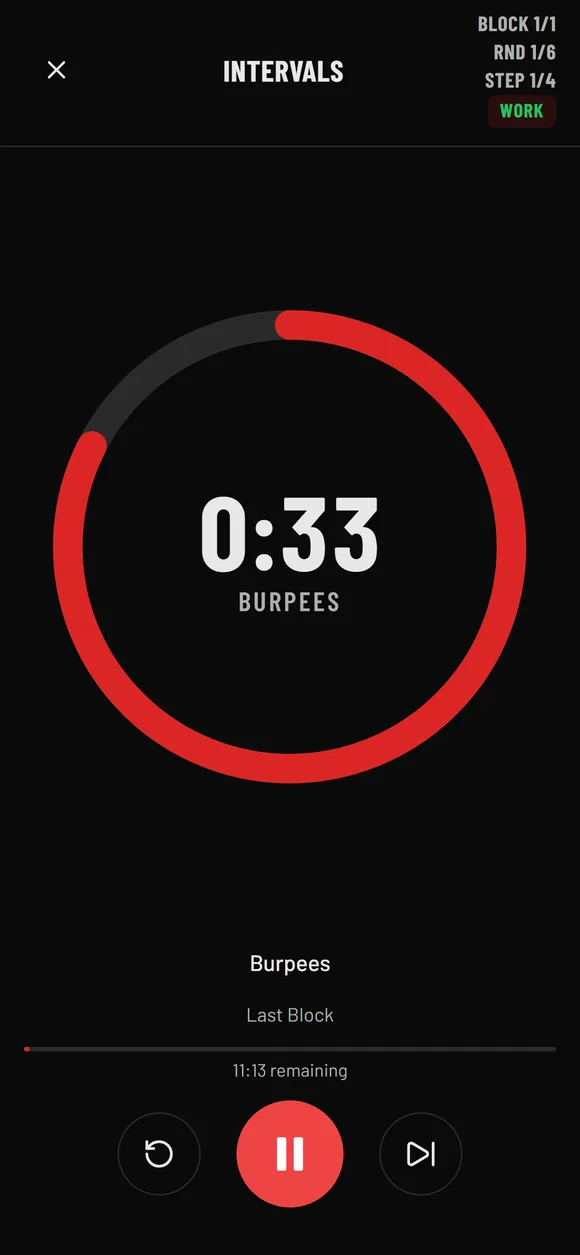
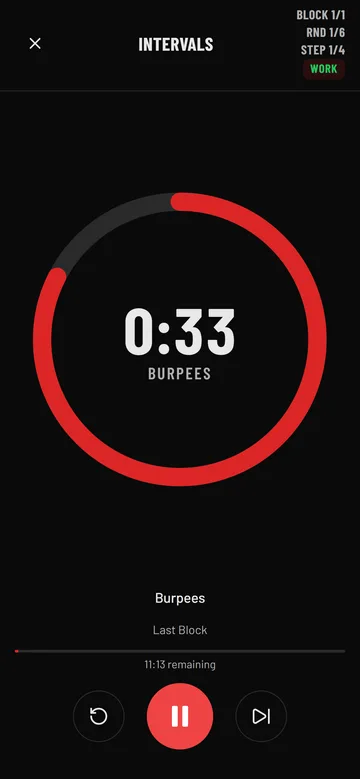
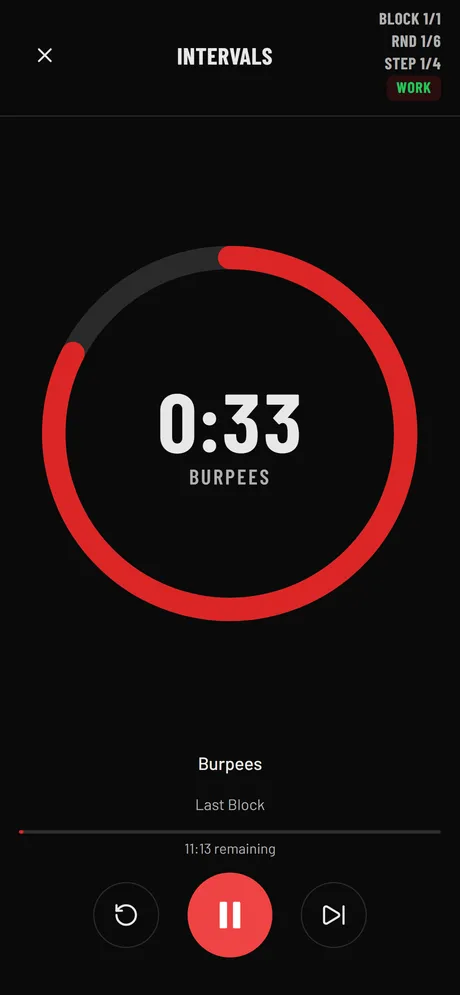
When each step of a round has its own length — 40 s burpees, 20 s rest, 60 s row — repeated for as many rounds as you like.
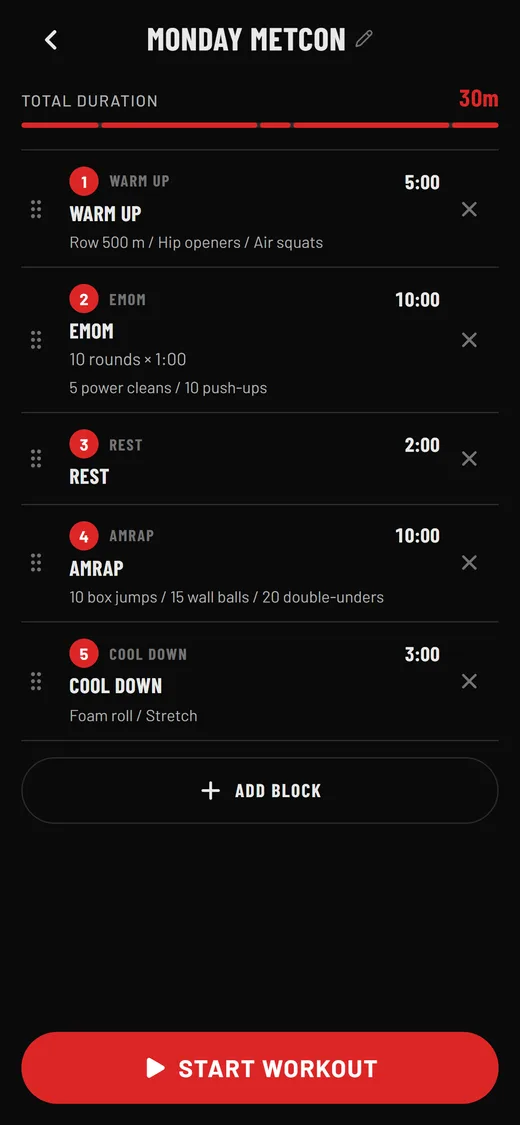
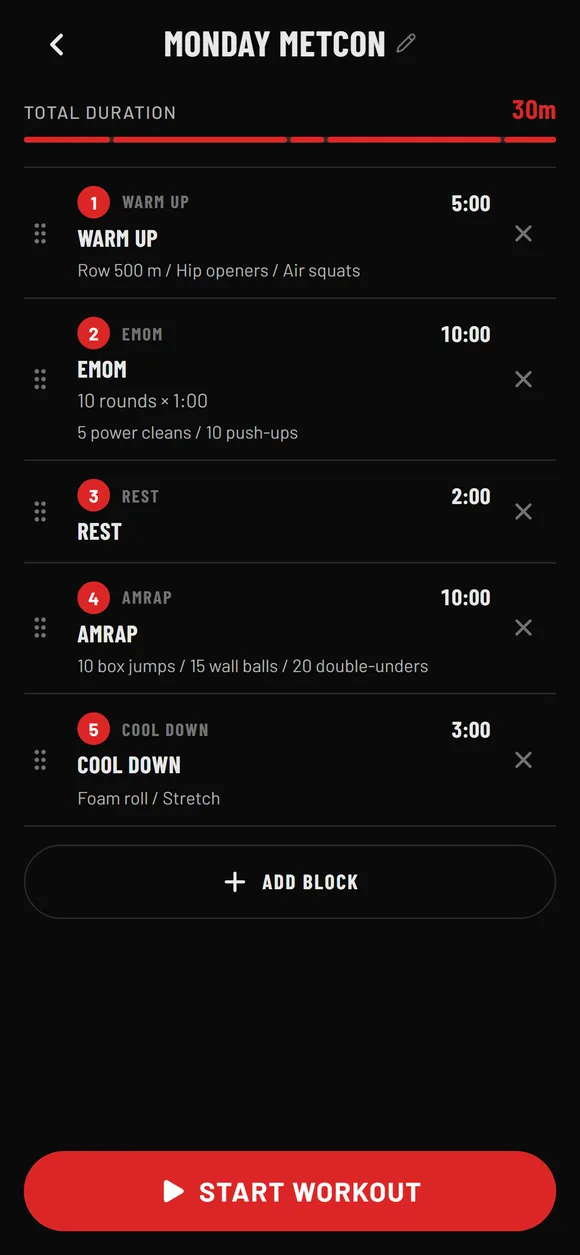
Stack blocks in the order you train them. Each block has its own rounds, work and rest, and the exercises you want on screen.
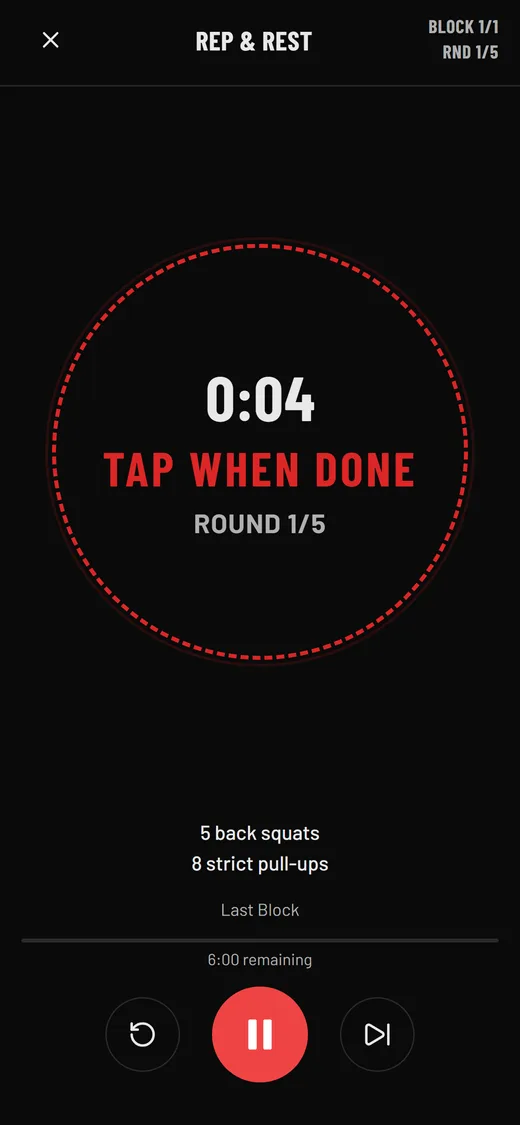
One tap starts the session. The timer moves from block to block on its own, with a countdown, voice cues and a tap-to-advance for rep-based work.
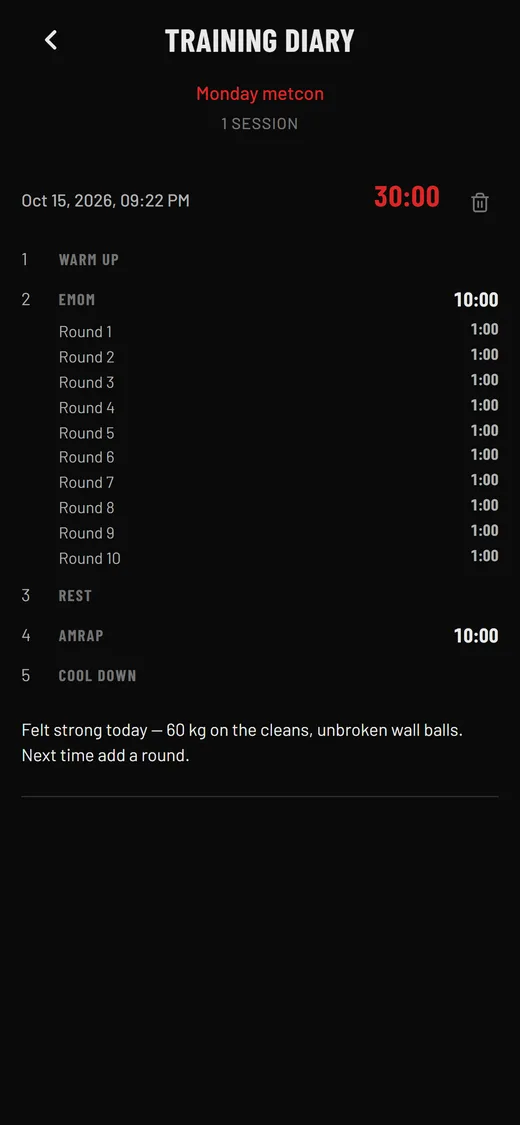
Every session lands in your training diary with block times and round splits. Add a note to the result — weights, reps, how it felt — so the next one is better.
Every block knows its own rules — rounds, work, rest, time cap — so you set the numbers and never touch the timer mid-workout.
When each step of a round has its own length — 40 s burpees, 20 s rest, 60 s row — repeated for as many rounds as you like.
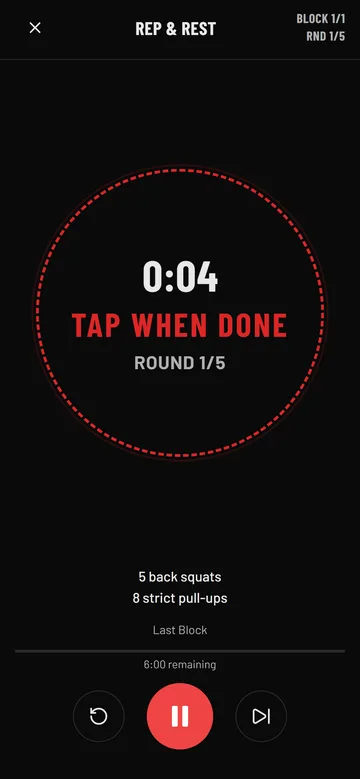
When work is counted in reps, not seconds. Do the set, tap when done, and the block times your rest automatically.
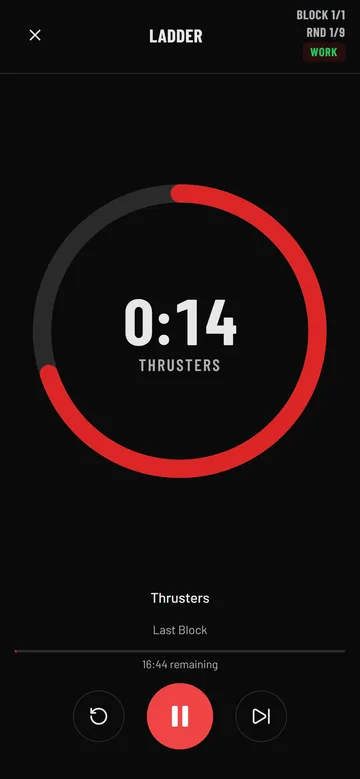
When intervals should climb or fall — 20, 30, 40, 50 seconds and back down — with optional rest between levels.
★ PRO blocks are part of BetterWOD Pro.
Countdown, go, halfway, next round, last round, time cap, finish — spoken in English or Czech by a male or female voice, so your phone can stay on the floor. Pro adds bonus voices.
Play a sample
Native app, works offline, keeps the screen awake while you train.
Native app with the same timer engine and voice cues.
Open the browser timer on any device — nothing to install.
Pro syncs your workouts and results across all of them.
Start free. Try Pro for 7 days, then €5 a month or €50 a year. Cancel anytime.
Prices in EUR, VAT included. Billed through the app store on mobile or through our payment partner on the web.
Yes — and more. BetterWOD Timer runs intervals, EMOM, AMRAP, Tabata, for-time with a cap, rep-based work with timed rest and ladders, and chains them into one workout so you press start once.
Yes. Set rounds and the minute length, list the movements, and the voice calls every new round.
Yes. Classic 20/10 × 8 is the default; rounds, work and rest are all adjustable.
The iOS and Android apps work fully offline. The web timer needs a connection to load and then runs locally.
Yes — the web timer has the same blocks and voice cues and runs in any modern browser, phone or laptop.
That is the point. Stack as many blocks as you need — warm-up, main piece, rest, finisher, cool-down — and the timer moves through them on its own.
Pro comes with a 7-day free trial. You get everything in Pro and can cancel before the trial ends without being charged.
On mobile, cancel in your App Store or Google Play subscriptions. On the web, use the customer portal link in the app's account screen. Pro stays active until the end of the paid period.
In the app: Settings → Account → Delete account. Or e-mail us from the address on your account — see the account deletion page for details.
With Pro, yes: workouts and results sync across iOS, Android and the web timer. Free keeps everything on the device.